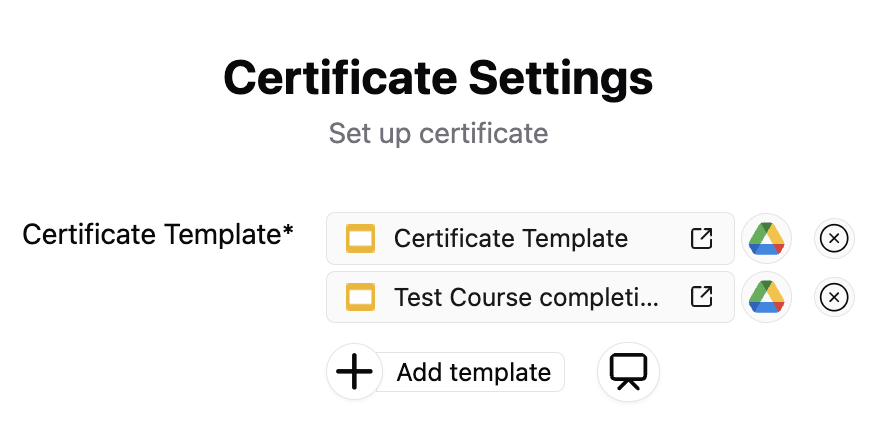
Using Multiple Google Slides Templates
Smart Certificates supports assigning different templates based on conditions — perfect for:
- Awarding different certificates for different courses.
- Showing a unique design for pass/fail.
- Creating tiered achievements (e.g., Gold, Silver, Bronze).
Why Use Multiple Templates?
- Customization by outcome: Customize based on quiz score or form answers.
- Design variation: Use branding-specific certificates for each course or team.
📺 Video Guide: Managing Multiple Certificate Designs
Watch this step-by-step video tutorial to see how to load multiple Google Slides templates into the add-on sidebar and toggle separate formatting constraints: