Accessing Generated Certificates
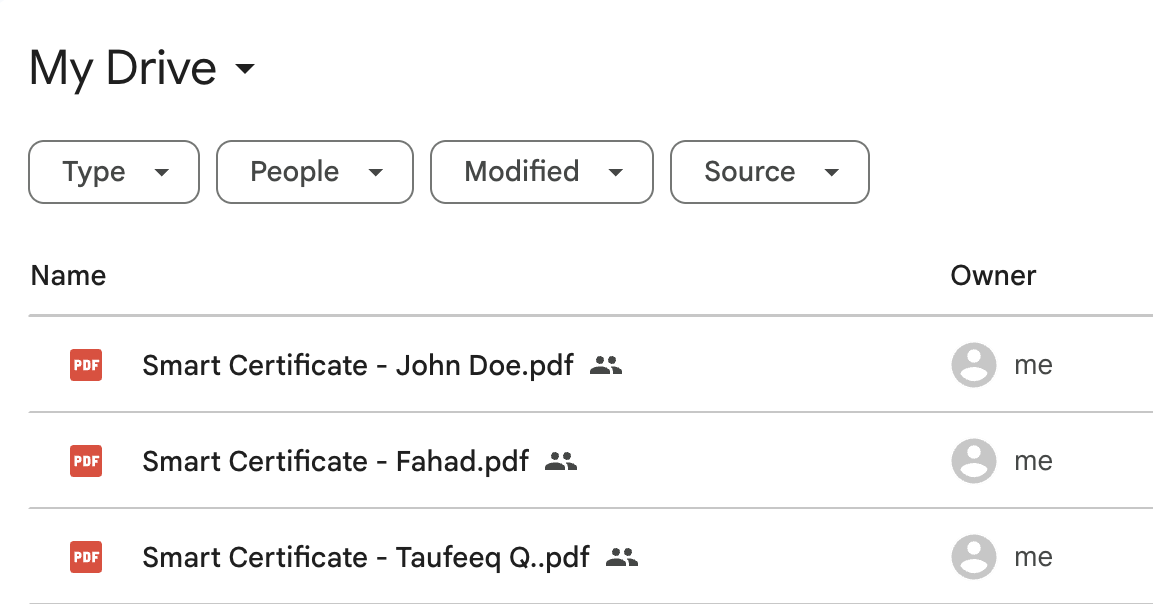
All generated certificates are automatically saved to the destination folder you selected during setup.
To view them:
- Open Google Drive.
- Navigate to the folder you chose as the Certificate Destination.
- You’ll see the generated files named according to the dynamic naming pattern (e.g.,
{{Full Name}} - Certificate.pdf).
📺 Video Guide: Tracking Certificates in Google Drive
Watch this tutorial snippet to see how the add-on maps, categorizes, and cleanly separates your output documents directly into your designated target directories: